
Simple administration
Add users, assign numbers, manage devices, and adjust call flows through a centralized cloud dashboard.
Cisco Webex Calling + Bullfrog
Bring calling, messaging, meetings, and mobility together in one secure cloud platform. Bullfrog helps you plan the move, configure the experience, and support your team after launch.

Built for the way teams work now
Give employees a consistent calling experience while giving administrators the control to manage users, locations, devices, and call flows from one place.
Add users, assign numbers, manage devices, and adjust call flows through a centralized cloud dashboard.
Move away from aging infrastructure and align your calling services with the users and capabilities your business needs.
Support new employees, departments, and locations without building another isolated phone system.
Use enterprise-grade cloud calling with security, emergency-calling capabilities, and continuity options designed for business communications.
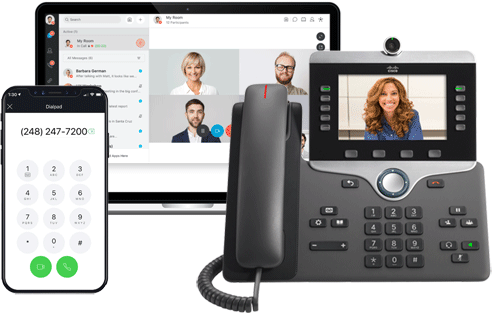
Work from anywhere
Employees can make and receive business calls from supported desk phones, computers, and mobile devices while keeping personal numbers private.
Call control that fits your business
Route customer calls with the right combination of automation, schedules, queues, groups, and people—then refine the experience as your needs change.
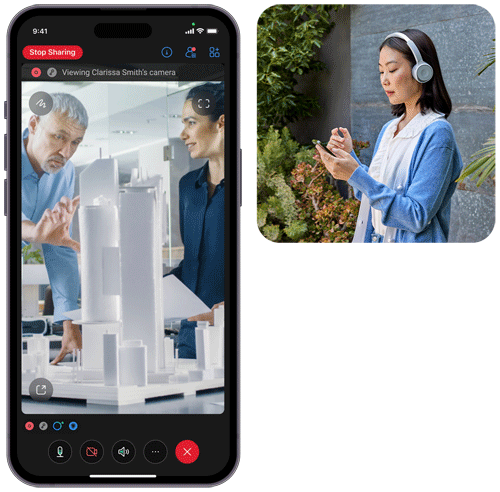
Webex AI
Available Webex AI capabilities can reduce distractions, capture important information, and help employees stay focused on the conversation.
Help voices come through more clearly in busy or unpredictable work environments.
Turn supported voicemail and calling content into text that is easier to review.
Use supported AI summaries to quickly revisit key details and next steps.
Reduce repetitive follow-up work and keep useful call information close at hand.
Connected workflows
Supported integrations can connect Webex Calling with CRM, service, productivity, and collaboration platforms—helping employees spend less time switching between systems.
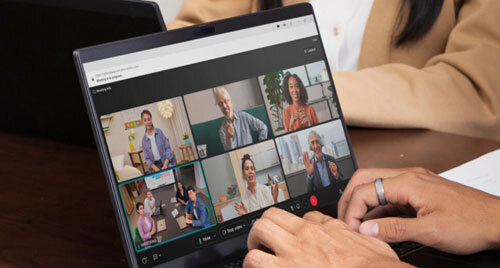
A practical path to cloud calling
Bullfrog works with your team from discovery through ongoing support so users, phone numbers, devices, and business-critical call flows are accounted for.
Review users, locations, numbers, devices, call paths, integrations, and business requirements.
Build the calling architecture, migration sequence, policies, and adoption plan around your organization.
Configure users and features, coordinate number porting, validate workflows, and prepare employees.
Get help after launch as your teams, locations, devices, and calling requirements continue to evolve.
Key capabilities at a glance
Make and receive business calls across supported desk phones, computers, and mobile devices.
Keep a consistent business identity across office, remote, hybrid, and mobile work.
Use attendants, queues, groups, schedules, and overflow rules to guide calls effectively.
Use available noise removal, transcription, summaries, and other intelligent capabilities.
Connect calling with supported CRM, service, productivity, and collaboration applications.
Manage users, numbers, devices, calling policies, and locations from the cloud.
Protect communications with enterprise security and options designed to support continuity.
Support app-first users, desk-phone users, shared spaces, reception areas, and mobile teams.
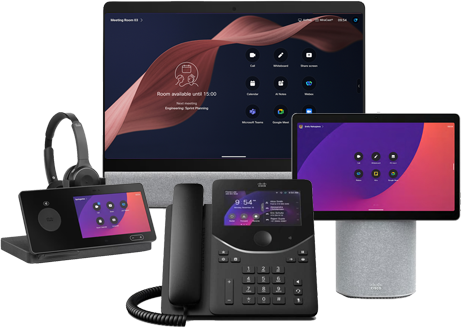
Apps and hardware
Use Webex desktop and mobile apps, add compatible desk phones and wireless devices, or combine both. Bullfrog can help you select, deploy, and support the right mix.
Ready to modernize business calling?
Tell us how your organization communicates today. We’ll help you identify the right path forward.